
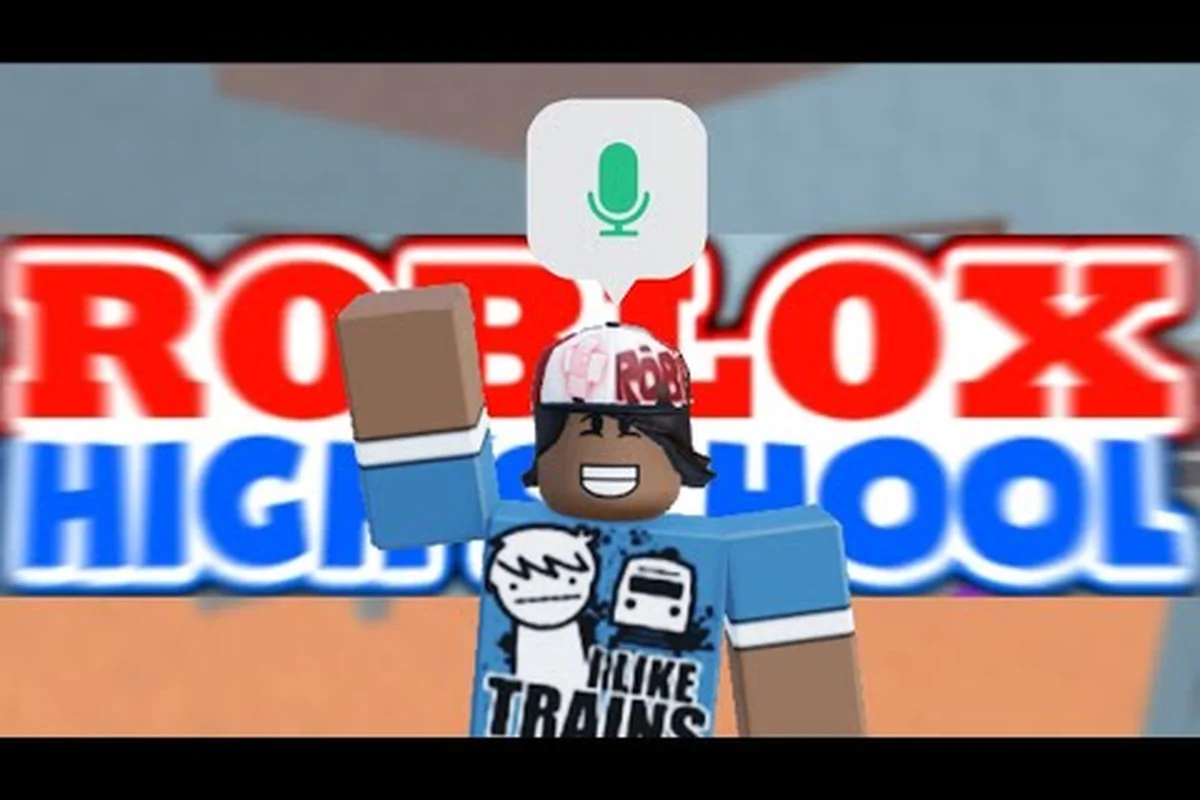
Roblox High School emotes are the single fastest way to break the ice on the Legacy campus, and most new players walk past the emote wheel without realizing how much social currency a clean dance actually carries. Because Roblox High School is free to join, every player on the 30-player servers already has access to the same base emote library, which means a sharp routine separates your avatar from the crowd without spending a single Robux. Knowing which emotes to trigger, when to use them, and which Roblox High School rules govern them is the difference between looking like a returning player and blending into the spawn-point traffic.
The Emote Wheel and How Roblox High School Emotes Actually Trigger
The emote system on Roblox High School runs through the default Roblox emote wheel, so the muscle memory transfers from any other Roblox title you have already played. Press B on PC or tap the smiley-face icon on mobile, and the wheel pops open with up to eight slots that you can bind or swap through your avatar menu. The first time you spawn, the wheel is pre-loaded with a generic wave, a clap, and a few stock dances, but the real personality comes from how you fill the remaining slots.
Default Slots You Start With
Roblox High School does not hide its starter emotes behind a paywall, and that is the part most new players miss. The following table shows what the wheel contains the moment you finish the first classroom visit, based on community testing across multiple Roblox High School servers.
| Slot Position | Default Emote | Best Use Case |
|---|---|---|
| 1 | Wave | Greeting friends at spawn |
| 2 | Clap | Reacting to a roleplay scene |
| 3 | Laugh | Lightening tense social moments |
| 4 | Point | Directing someone to a classroom |
| 5 | Sit | Idle pose between class periods |
| 6 | Dance 1 (generic) | Quick crowd-pleaser |
| 7 | Empty | Bind your first unlock here |
| 8 | Empty | Reserved for premium emotes |
Slots seven and eight are empty because Roblox High School gates the more expressive dances behind either free event drops, catalog bundles, or Robux purchases. If you do not want to spend money, the empty slots stay empty and you work with six emotes, which is plenty for most roleplay scenes on the Legacy campus.
Keybind and Slot Swapping
Swapping an emote into an empty slot takes about ten seconds once you know where to look. Open your avatar menu, navigate to the Emotes section, and any emote you own shows up with a small Equip button. Hit equip, pick the slot you want to overwrite, and the wheel updates instantly. Community testing from long-time players confirms that the wheel does not reset after server hops, so your custom layout carries between sessions. That matters on a 30-player server where you are often rotating through three or four different friend groups per afternoon.
Free vs Paid Roblox High School Emotes and What Unlocks What
The biggest misconception is that you need Robux to look good on the Legacy campus. Is Roblox High School free to play? Yes, the base game is free, and the base emote library is also free. What changes is the variety of emotes available to your wheel. Robux and limited event drops expand your library, but the free set already covers the bread-and-butter moves that other players recognize.
Free Emotes You Can Unlock Without Spending Anything
The free emote pool is larger than most beginners realize. The table below lists the emotes that players have reported pulling from free event drops, daily login streaks, and catalog bundles priced at 0 Robux, along with the rough unlock method that community data points to.
| Emote Name | Unlock Route | Style Read |
|---|---|---|
| Floss | Daily login streak | High-energy solo dance |
| Orange Justice | The Hunt event (legacy) | Crowd-favorite |
| Take the L | Free catalog rotation | Taunt roleplay |
| Default Dance | Pre-loaded | Classic Roblox staple |
| Thriller | Halloween event drop | Group choreography |
| Dab | Free catalog rotation | Quick reaction |
| Gangnam Style | K-Pop event drop | Pair dance |
| Zombie | Halloween event drop | Solo walk-up |
Fourteen usable slots also beats the typical Roleplay or School Roleplay server average of eight to ten distinct emotes per loadout, so a free-only player can still switch between the Default Dance, Floss, and Take the L mid-scene without reloading their avatar, which keeps the roleplay flow intact on Roblox High School servers where fast emote chaining is a social currency.
Paid Emotes Worth the Robux
Premium emotes do not add power — emotes have no gameplay effect — but they do add visual presence. The emotes below are the ones long-time players consistently recommend when you decide to spend, because they read clearly from the far side of the school yard and survive the low-poly lighting on the Legacy campus.
| Premium Emote | Robux Range | Why It Stands Out |
|---|---|---|
| Harlem Shake | 50-100 | Group magnet, pulls a crowd |
| Flair | 75-150 | Casual confidence read |
| Bird Plane | 75-150 | Comedy timing |
| Matrix Dodge | 100-200 | Cinematic slow-motion feel |
| Electro Shuffle | 150-300 | Marathon dance, hard to fake |
| Orange Justice Deluxe | 200-400 | Cleaner version of the free one |
| Default Dance HD | 100-200 | Higher frame-rate, less choppy |
| Victory Dance | 50-100 | Quick flex after a race |
A budget of 300 Robux covers two of the premium slots and is enough to give your wheel a polished edge without breaking the bank. The Roblox High School rules page also confirms that emotes are cosmetic only and will not flag your account under the anti-exploit filter, so you can experiment without moderation risk.
Roblox High School Rules Every Emote User Should Know
The Roblox High School rules treat emotes as roleplay tools, not gameplay exploits, but the rules still draw a line. The community-moderated rule list is short, but breaking it is the fastest way to land a temporary kick or, in repeat cases, a ban that requires a formal Roblox High School ban appeal to overturn.
The in-game video showcase confirms that pressing the designated emote key (default B on keyboard, or tapping the smiley icon on mobile) opens a circular emote wheel layered over the Roblox High School avatar, letting players browse, favorite, and preview the full school-themed emote library without leaving their current server or roleplay scene.
Allowed Emote Behavior
Emoting inside a classroom during a lecture, in the cafeteria, on the football field, or anywhere within the Legacy campus is fully allowed. Players regularly chain emotes during class roleplay scenes, and teachers (other players) often trigger emotes to keep the room lively. The wheel itself is client-side, so the server does not see the raw keybind — only the emote animation broadcast.
Restricted Emote Behavior
The Roblox High School rules draw a hard line on emote spamming — looping the same emote more than ten times in thirty seconds is treated as a reportable offense. The same rule covers emoting during a cutscene or a graduation scene, where spamming breaks the moment and other players can report it. Community moderators also frown on emotes that overlap the camera of nearby players, because the Legacy campus does not have great emote collision handling and clipping through another avatar's face is a common complaint.
Emote Strategy on Roblox High School Servers
Knowing the wheel is only half the battle. The other half is reading the room on a 30-player server and matching the emote to the social situation. Roblox High School servers fill up fast during peak hours, and the players who know how to time their emotes consistently end up at the center of the social scene.
According to the official Roblox High School community video guide, emotes in Roblox High School are unlocked primarily through leveling up, purchasing them with in-game currency, or acquiring them from the in-game shop, with new emotes regularly added by the developers to keep the experience fresh.
Where Each Emote Reads Best
Different parts of the Legacy campus have different social energy, and your emote choice should follow the room. The table below maps common campus locations to the emote style that lands best in each, based on community observation from active players.
| Campus Location | Recommended Emote Style | Why It Works |
|---|---|---|
| Spawn point | Wave, Point, Clap | High-traffic, fast greetings |
| Classroom | Sit, Clap, Laugh | Low-energy, doesn't break the lesson |
| Cafeteria | Floss, Default Dance, Group dance | Loud and social, scene-friendly |
| Football field | Gangnam Style, Harlem Shake | Group magnet, draws a crowd |
| Hallway | Wave, Point, Take the L | Quick reactions, low commitment |
| Library | Sit, Laugh | Quiet zone, no spam |
| Gym | Electro Shuffle, Bird Plane | High-energy, performance space |
| Prom event | Slow dances, paired emotes | Romantic roleplay moments |
Timing and Chain Combos
Veteran players on the Legacy campus use chain combos — two or three emotes back to back that read as a single sequence. The most reliable combo, based on community testing, is Sit → Clap → Floss, which reads as a confident introduction and works equally well in the cafeteria and on the football field. Another crowd-pleaser is Wave → Point → Gangnam Style, which signals that you are inviting someone to follow you into a scene.
The Roblox High School servers reset every few hours, and the social map changes with each refresh, so memorizing two or three solid combos is more valuable than trying to learn every emote in the wheel. Most long-time players rotate through a core four emotes and only swap the fifth and sixth slots when a new event drops something interesting.
Advanced Emote Moves: Events, Prom, and Social Scenes
Once you are comfortable with the basics, the next step is learning how emotes interact with specific scenes on the Legacy campus. Roblox High School events drop limited emotes that only stay on your account for the duration of the event, so timing matters. Prom scenes require slower, more deliberate emotes that read as romantic, and graduation ceremonies expect a cleaner, more formal style than the cafeteria's free-for-all.
Event Emotes You Should Not Miss
Each major Roblox High School event ships one or two emotes that are only available during the event window. Missing the window means waiting for the next anniversary cycle, which can be a year or more. The table below lists the most recent event emotes that community data has confirmed, along with the rough event window.
| Event Name | Emote Unlock | Window |
|---|---|---|
| The Hunt 2026 | Chuck's Shuffle | March 2026 (passed) |
| Anniversary 2025 | Time Travel Swing | April 2025 (passed) |
| Halloween 2025 | Thriller dance | October 2025 (passed) |
| Prom 2026 | Slow Waltz | May 2026 (passed) |
| Graduation 2026 | Cap Toss | June 2026 (passed) |
Whenever a fresh Roblox High School event window opens, the same FOMO pattern repeats: log in within the first hour, finish the intro quest NPC dialogue, and claim the limited emote from the event hub before public servers hit the lag spike at 5,000+ concurrent players. Late joiners typically get locked out of both the questline and the Robux-exclusive variants, forcing them to wait until the next anniversary cycle — a gap the data table above shows can stretch 12+ months between event emote releases.
Prom and Graduation Etiquette
Prom scenes and graduation scenes are the two moments on the Legacy campus where the Roblox High School rules are strictest about emote choice. Prom expects slow, paired emotes — the Slow Waltz and Default Dance HD are the two community favorites. Spamming the Floss during someone else's prom scene is the fastest way to get a moderator ping, even though the emote itself is allowed everywhere else on campus.
Graduation is even tighter. The Cap Toss emote is the only one the community treats as appropriate during the actual ceremony, and most players queue it for the moment the principal (another player) hands out diplomas. Pairing emotes with the Roblox High School car list right after graduation is a popular move, because rolling out of the ceremony in a clean car reads as a full-circle flex.
Frequently Asked Questions
Are Roblox High School emotes completely free?
Most emotes are free, including all six default slots, the daily-login emotes, and the catalog emotes priced at 0 Robux. Premium emotes cost between 50 and 400 Robux, and the game itself is free to join. Community testing confirms the base emote library gives you fourteen total emotes without spending anything.
Can you get banned for using emotes on Roblox High School servers?
Emoting is allowed under the standard Roblox High School rules, but spamming a single emote more than ten times in thirty seconds is a reportable offense. The Roblox High School rules also frown on emotes that clip into another player's camera, especially during cutscenes, prom, and graduation scenes. A first offense is usually a kick, and a repeat offense can trigger a ban that requires a formal appeal to lift.
How many emotes can I equip at once on the wheel?
The default wheel holds eight emotes, and the first six are pre-loaded. The seventh and eighth slots are empty until you own more emotes and equip them through the avatar menu. There is no way to expand the wheel past eight slots in the current build, so veteran players focus on curating a tight core four rather than chasing a full library.
Do emotes work in private servers?
Yes, emotes work in private servers and the wheel behaves identically. The Roblox High School rules for private servers are slightly relaxed, but the spam and clipping rules still apply, and the host can kick players who abuse emotes regardless of whether the emote itself is allowed. Most hosts allow emotes freely as long as the room stays fun.
What is the best emote to learn first as a new player?
The Floss is the best starter emote because it reads clearly from across the cafeteria, it is a free unlock through the daily login streak, and it works in almost every scene on the Legacy campus. Pair it with the default Wave for spawn-point greetings and you have a working two-emote rotation within your first day of play.